
Introduction to Kids Usernames
The other day, I was helping a younger cousin set up a new game account—and I didn’t expect the hardest part to be the username. We must’ve tried 20 names… all taken. Then came the weird ones with random numbers, then the “too cringe” phase, and finally that one name that just clicked. You know the feeling.
Kids usernames might sound like a small thing, but they kind of stick. Whether it’s for a game, an app, or just something fun, the right name feels personal. The wrong one? It gets abandoned in a week.
That’s exactly why I put this together—not just a random list, but something that actually helps you find a name that fits. Something fun, safe, and not overused.
So instead of scrolling endlessly or settling for something weird like dragonboy123456, you’ll find ideas here that actually make sense—and feel right.
How to Choose a Good Kids Username
Before jumping into lists, it helps to know what actually makes a username good—especially for kids. I’ve seen way too many names that either don’t age well… or just don’t feel right after a day or two.
Here’s what I’ve learned (the hard way, honestly):
1. Keep it simple (seriously)
Long usernames might look creative at first, but they’re annoying to type and easy to forget.
Something like:
- HappyCloudKid ✔️
is way better than: - TheRealSuperHappyCloudKid2024 ❌
Short and clean always wins.
2. Avoid personal info
This one matters more than people think.
No real names, birth years, school names—nothing that gives away identity. Kids usually don’t think about this, so it’s worth guiding them a bit here.
A username should feel fun, not traceable.
3. Pick a vibe, not random words
A lot of people just mash random words together—and it shows.
Instead, go for a vibe:
- Cute → soft, playful words
- Cool → short, bold names
- Aesthetic → calm, dreamy feel
Once the vibe is clear, names come together way more naturally.
4. Make sure it sounds good out loud
This is underrated.
Say the username once. If it sounds awkward or confusing, it probably isn’t the one. Good kids usernames just roll off the tongue.
5. Don’t overdo numbers and symbols
A small number or underscore is fine. But when it starts looking like a password… it’s a problem.
- StarKid_21 ✔️
- St@rK!d_92847 ❌
You want something memorable, not something you have to double-check every time.
6. Let kids have a say (but guide them)
Kids usually have great ideas—but also some questionable ones.
The best approach? Let them pick the direction, and then help refine it into something that actually works.
That’s really it. Nothing complicated—but these small things make a huge difference.
Cute Kids Usernames
There’s something about cute usernames that just sticks. They feel light, friendly, and honestly… a lot more fun to use every day. I’ve noticed kids naturally lean toward names that sound soft, a little silly, and easy to remember—nothing too complicated, nothing too serious. Think cozy, happy, and a bit magical. If you’re trying to find something that feels instantly lovable (and not overused), this list should give you plenty of ideas that actually feel fresh.
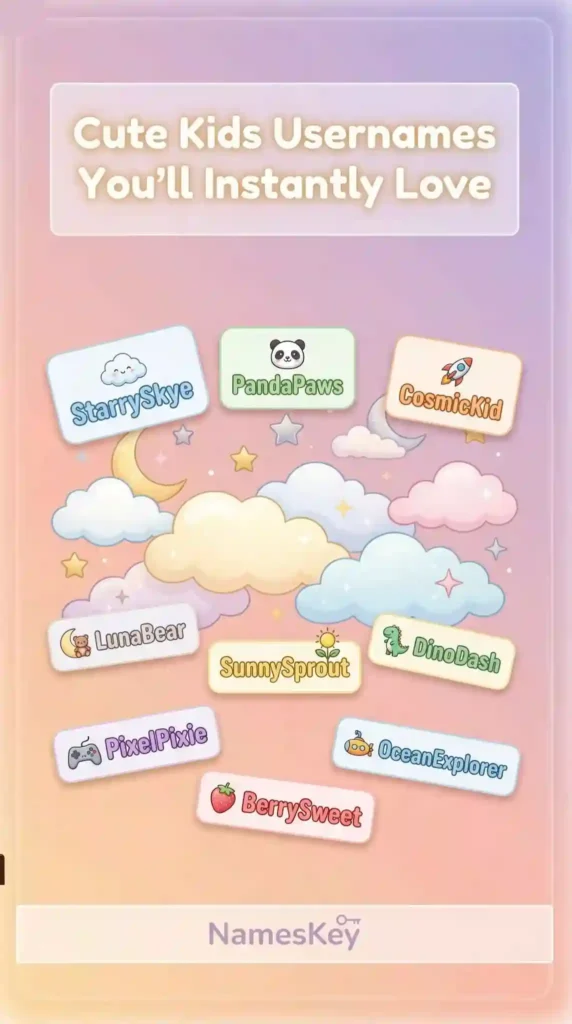
Cute kdis usernames are listed below:
- BunnySprinkle
- TinyPeachy
- CupcakeOrbit
- SnuggleMuffin
- CherryGiggles
- FluffyPebble
- HoneyBubbles
- LittleStarPop
- PandaSnacks
- JellyBeanHop
- CozyClover
- MiniMarshy
- SugarPlumKid
- TwinkleToesX
- DoodleBunny
- PeachySnaps
- BubbleMinty
- LollipopWinks
- TinyDaisyDot
- MuffinWobble
- SunnySprout
- CookieBounce
- StarryNibble
- SoftyPudding
- BerryTwinkles
- GummyCloudKid
- LittleGlowBug
- SprinkleNoodle
- PuffyTeddy
- DreamyCupcake
- MiniFrostyPop
- SillySunbeam
- ButtercupWiggle
- TinyRainbowPop
- SweetieSnuggle
- ChocoDoodleKid
- BabyCactus
- JellySprout
- CloudyNiblet
- PeachFuzzPop
- TinyMoonMuffin
- SnickerDoodleKid
- BumblePeach
- FluffyWaffles
- MiniGiggleBox
- PuddingSprinkles
- StarPopCutie
- NibbleBerry
- TinyGlowPuff
- CupcakeWander
Check this guide if you want to have a look on youth saftey online.
Cool Kids Usernames
Not every kid wants something cute—some want a name that feels a bit sharper, a bit more “grown,” but still fun. Cool usernames usually have that clean, confident vibe. Shorter words, a little edge, maybe inspired by games or trends—but not over-the-top or aggressive. The trick is finding that balance where it feels stylish without trying too hard. These are the kinds of names that kids don’t get bored of quickly… they actually stick with them.
Below are some jaw dropping kids usernames:
- NeonBlazeKid
- ShadowFizz
- PixelRider
- FrostByteKid
- TurboNovaX
- VibeStriker
- EchoDashKid
- BlazeOrbit
- SnapRogue
- CyberPebble
- DriftSpark
- NovaZoomKid
- HyperGlowX
- RocketJinx
- ChillVortex
- FlashNibble
- StormyPixel
- SonicPebbles
- AstroDashKid
- FlickerRider
- ZoomCraze
- PhantomBounce
- GlowStriker
- SwiftPebbleX
- NeonSprinter
- DashFusionKid
- SparkVandal
- PulseRacer
- ShadowZing
- ByteSprinter
- TurboFlickKid
- OrbitRunnerX
- FlashCrafter
- SonicWanderKid
- NovaStrider
- PixelPhantom
- DriftBlaster
- ChillDashX
- SnapFusionKid
- BlazeCraze
- EchoRacer
- HyperStriderKid
- StormDashX
- FlickerPulse
- ZoomPhantomKid
- AstroCrafter
- VibeRunnerX
- RocketStrider
- GlowDashKid
- ShadowRunnerX
Aesthetic Kids Usernames
Aesthetic kids usernames have a whole different feel.
They’re not loud or overly playful—they’re calm, a little dreamy, and just nice to look at.
Most kids who go for this style usually like soft colors, cozy vibes, and usernames that feel almost like a mood. Think clouds, moonlight, glow, soft textures… the kind of names that look good on profiles and don’t get boring.
If you want something that feels simple but still special, this section is where things start getting really good.
- moonlit.sprout
- softcloudy
- lilac.drift
- glowberry
- peachy.mist
- tiny.moonbeam
- cloudletkid
- starry.hush
- mellowpebble
- honey.glow
- dreamy.nibble
- pastelorbit
- misty.sprinkle
- velvetcloudkid
- blushypixel
- calm.sprout
- glowmuffin
- tiny.lunaria
- cloudysnug
- peachy.whisper
- softnova
- twinkle.drift
- hazyberrykid
- mellow.sparkle
- lunar.nibble
- cozyglowkid
- pastelcrumb
- cloudletdream
- starry.puff
- peachmisty
- tiny.velvetkid
- hushypixel
- glowysprout
- dreamy.pastel
- mistletwink
- softy.lunar
- cloudberrykid
- mellowglimmer
- blushysprout
- tiny.driftkid
- pastel.hush
- glowcrumb
- lunarbeamkid
- cozytwinkle
- mistyspark
- softcloudlet
- dreamyglowkid
- peachydreamer
- starrycrumb
- mellowcloud
Funny Kids Usernames
Now this is where kids usually have the most fun.
Funny kids usernames don’t need to make perfect sense—that’s kind of the whole point. They’re random, a bit chaotic, and honestly the ones people remember the most. I’ve seen kids stick with goofy names way longer than “cool” ones, just because they make them laugh.
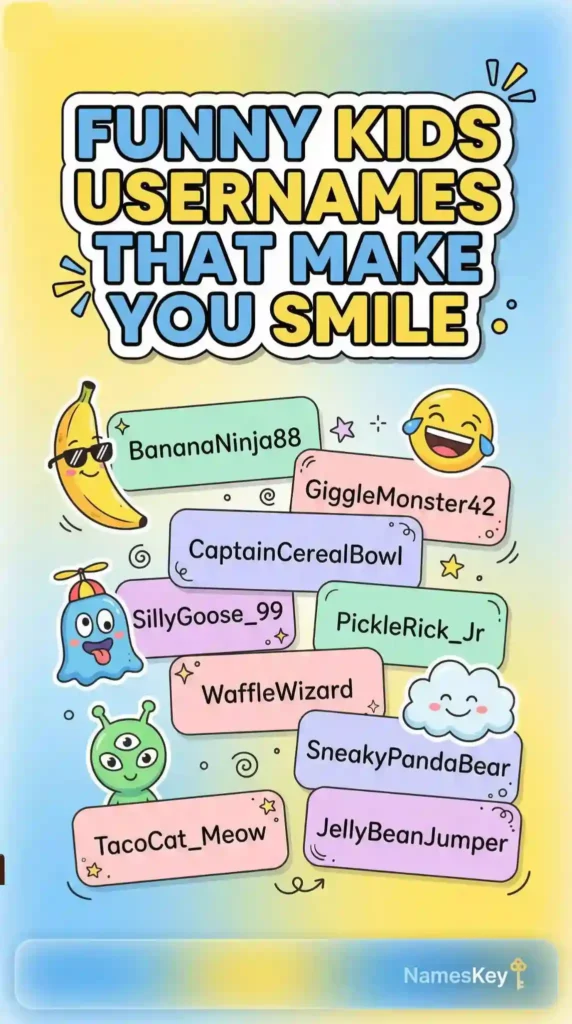
If you’re looking for something playful, slightly weird (in a good way), and impossible to ignore… you’re about to find some gems here.
- WigglyPotatoKid
- NoodleInSocks
- GigglePickleX
- BananaOopsKid
- SillyGooseZoom
- MuffinInTrouble
- OopsieDoodleKid
- BurritoBounce
- JellyLegsKid
- SneakyPancake
- WobbleNugget
- PickleOnVacation
- ZoomingToaster
- TinyChaosBean
- OatmealWizardKid
- DancingBroccoli
- PopcornInPocket
- GoofyWaffleKid
- NoodleWithShoes
- BananaGiggleBox
- OopsiePenguin
- WigglyMarshmallow
- BurritoInSocks
- LaughingPicklesKid
- SneakyNuggetX
- PancakeWobbleKid
- SillyTofuRunner
- JellyBeanChaos
- MuffinOnTheRun
- OopsieNoodleKid
- WaffleInPocket
- TinyGoofBallX
- PickleBounceKid
- BananaSneaker
- DancingNuggetKid
- PopcornGiggles
- WobblePenguinX
- NoodleOopsKid
- BurritoGiggleBox
- SillyBeanSprinter
- MuffinChaosKid
- JellyWobbleX
- SneakyBananaKid
- GoofyPopcornX
- OatmealGigglesKid
- PancakeChaosKid
- WigglyToaster
- PickleInTrouble
- BananaOopsieX
- NoodleBounceKid
You may also like to uncover dangers in your child’s social media.
Gaming Kids Usernames
Gaming kids usernames are a bit different.
Kids usually want something that feels cool, fast, and a little competitive—but not scary or over-the-top.
The best ones are easy to say, quick to type, and still feel fun after hours of playing. I’ve noticed that shorter names with a bit of motion or energy tend to stick more. Nothing too complicated, nothing too aggressive—just something that feels right when you see it on screen.
If you’re picking a gamer tag that won’t get old in a week, this list should help.
- PixelRacerKid
- TurboSnackX
- DashyComet
- MiniGameBlaze
- JumpByteKid
- SpeedyPebble
- RocketLoopKid
- SnapGamerX
- ZoomyOrbit
- PlayfulStriker
- NeonJumpKid
- DriftSnackX
- FlashyPebble
- OrbitRunnerKid
- QuickZapX
- GameyComet
- DashNovaKid
- SpeedyCrate
- PixelSprinter
- RocketDashKid
- TinyBlasterX
- SnapRunnerKid
- ZoomByteX
- DriftSparkKid
- NeonStriker
- QuickOrbitKid
- GameyDashX
- FlashRunnerKid
- TurboPixelX
- JumpNovaKid
- SpeedyOrbitX
- PixelDashKid
- RocketSprinter
- SnapOrbitKid
- ZoomStrikerX
- DriftRunnerKid
- NeonCometX
- QuickDashKid
- GameyRunnerX
- FlashOrbitKid
- TurboStriker
- JumpSprinterKid
- SpeedyNovaX
- PixelOrbitKid
- RocketRunnerX
- SnapStrikerKid
- ZoomDashX
- DriftOrbitKid
- NeonRunnerX
- QuickStrikerKid
Usernames for Different Platforms (Kik, Roblox & More)
Not every username works everywhere—and this is something people usually figure out after trying ten times.
Apps like Kik or games like Roblox have their own vibe. Some need shorter names, some look better with a playful style, and some just feel right with a bit of creativity. Instead of forcing one name everywhere, it actually helps to pick something that fits the platform.
Here are some ideas based on where kids usually need usernames the most:
Kik Kids Usernames
Kik usernames usually work best when they’re simple, clean, and easy to remember. Nothing too long—just something you can share quickly without repeating it twice.
- chattysprout
- tinytalkerx
- kikykiddo
- bubblychatter
- quickgigglekid
- peachychat
- tinysnapskid
- softtalkerx
- gigglechatkid
- snackychatter
- cloudytalker
- mellowchatkid
- tinygigglesx
- peachysnapskid
- chattycrumb
- glowtalkerx
- tinypebblechat
- bubblysnapskid
- quicktalkerkid
- softgigglechat
- snackychatterx
- cloudysnapskid
- mellowtalkerx
- tinychatcrumb
- peachygigglekid
- chattyglowx
- tinysnackchat
- bubblytalkerkid
- quicksnapsx
- softchatkid
- gigglecrumbx
- snackytalker
- cloudychatterkid
- mellowgigglesx
- tinychatglow
- peachytalkerx
- chattysnackkid
- glowchatterx
- tinytalkcrumb
- bubblygigglekid
- quickchatx
- softsnapskid
- giggletalkerx
- snackychatkid
- cloudycrumbx
- mellowchatglow
- tinygigglecrumb
- peachysnackx
- chattytalkerkid
- glowgigglex
Roblox / Game-Style Kids Usernames
Roblox-style usernames are where creativity really shows.
Kids usually go for something a bit more unique—slightly quirky, a bit adventurous, but still fun and safe.
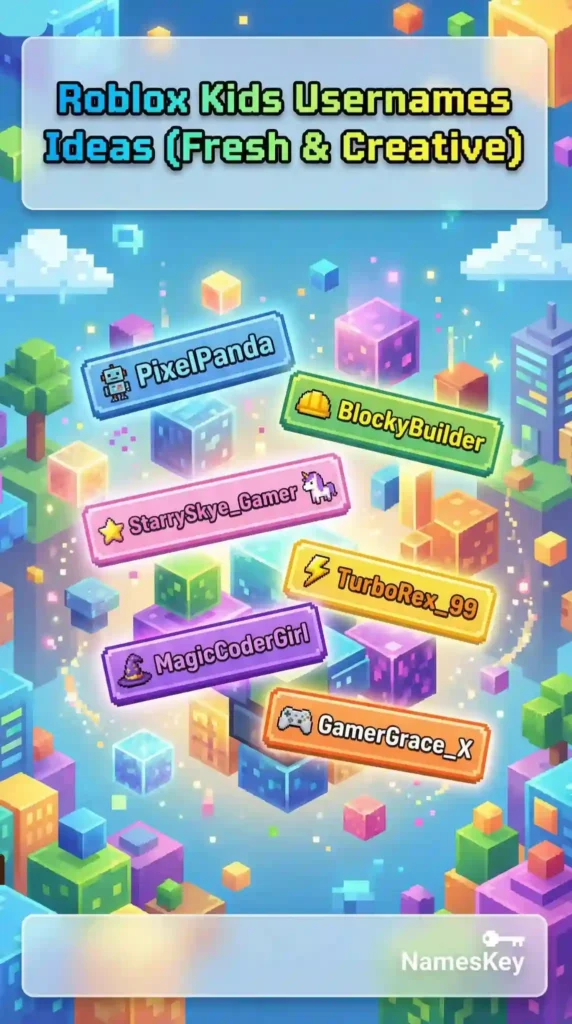
- BlockyDashKid
- PixelCraftyX
- TinyBuilderKid
- CubeRunnerX
- CraftyOrbitKid
- BlockSprinter
- MiniWorldDash
- PixelBuilderKid
- CubeJumpX
- CraftyRunnerKid
- BlockOrbitX
- TinyCraftDash
- PixelWorldKid
- CubeBuilderX
- CraftyJumpKid
- BlockRunnerX
- MiniPixelDash
- CubeOrbitKid
- CraftySprinterX
- BlockJumpKid
- TinyOrbitDash
- PixelRunnerX
- CubeCraftKid
- CraftyDashX
- BlockBuilderKid
- MiniCubeRunner
- PixelJumpKid
- CubeDashX
- CraftyWorldKid
- BlockOrbitKid
- TinyRunnerDash
- PixelCraftX
- CubeSprinterKid
- CraftyBuilderX
- BlockDashKid
- MiniOrbitRunner
- PixelBuilderX
- CubeRunnerKid
- CraftyDashKid
- BlockJumpX
- TinyCraftRunner
- PixelOrbitKid
- CubeBuilderKid
- CraftyRunnerX
- BlockSprinterKid
- MiniDashOrbit
- PixelJumpX
- CubeDashKid
- CraftyOrbitX
- BlockRunnerKid
Unique Kids Usernames
Finding a username that no one else is using… that’s the real challenge.
Most names you think of? Already taken. Or they just feel too common after a while. That’s why unique usernames hit different—they feel personal, a bit unexpected, and honestly more fun to keep.
I usually lean toward mixing soft words, tiny twists, or slightly unusual combinations that don’t sound forced. Nothing too weird, just different enough to stand out.
If you want something that feels yours, this is the section worth spending time on.
- ZippyCloverKid
- NibbleNovaX
- TinyOrbitSprout
- MuffinQuirkKid
- PebbleZingX
- SnappyLunarkid
- WobbleCactusKid
- GlimmerNibletX
- FuzzyOrbitKid
- SprinkleVibeX
- DoodleQuasarKid
- PuddleSparkX
- NiftyCrumbKid
- ZanyGlowSprout
- OrbitNibbleKid
- QuirkyPebbleX
- TwistyMuffinKid
- SnuggleQuirkX
- PixelCloverKid
- BumbleZestX
- NoodleOrbitKid
- FizzySproutX
- CozyQuirkKid
- PebbleDriftX
- ZestyNibbleKid
- GlimmerSproutX
- TinyQuasarKid
- MuffinZingX
- SnappyCloverKid
- WobbleOrbitX
- FuzzyNibbleKid
- SprinkleQuirkX
- DoodleZestKid
- PuddleOrbitX
- NiftyGlowKid
- ZanyPebbleX
- OrbitCrumbKid
- QuirkySproutX
- TwistyNibbleKid
- SnuggleZingX
- PixelQuirkKid
- BumbleOrbitX
- NoodleZestKid
- FizzyPebbleX
- CozyOrbitKid
- PebbleQuasarX
- ZestySproutKid
- GlimmerOrbitX
- TinyZingKid
- MuffinQuasarX
Read this if you want to know what researcher discover about kids and digital media.
Tips to Create Your Own Kids Username
Sometimes the best username isn’t on a list—it’s something you come up with yourself.
And honestly, once you get the hang of it, it’s way easier than it looks. You just need a few small tricks that actually work (not those complicated “username generators” that spit out nonsense).
Here’s what I usually do:
1. Mix two simple words
This works almost every time.
Pick something soft + something fun:
- Cloud + Bounce → CloudBounce
- Peach + Drift → PeachDrift
It instantly feels unique without trying too hard.
2. Add a tiny twist
If the name is taken, don’t ruin it with random numbers.
Instead:
- shorten it
- flip the words
- add a soft ending
Example:
- GlowSprout → GlowySprout
Small change, big difference.
3. Use things kids already like
Hobbies, favorite snacks, colors, games—it all works.
That’s why names feel more personal when they come from:
- things they enjoy
- characters they like
- random little interests
It stops the username from feeling generic.
4. Keep it readable
If someone can’t read it in one go, it’s probably not the one.
Avoid:
- too many symbols
- weird spellings
- cluttered words
Clean always wins.
5. Don’t chase trends too hard
Trendy names look cool today… and outdated next month.
It’s better to pick something simple and timeless than something that feels forced just to fit in.
6. Try it out before locking it
Say it once. Type it once.
If it feels natural, you’re good.
If it feels awkward—even a little—it’s probably not worth keeping.
That’s really the difference between a name you keep… and one you change the next day.
Common Mistakes People Make When Choosing Kids Usernames
It’s funny how picking a username feels easy… until it isn’t.
I’ve seen a lot of names that look good for five minutes—and then suddenly feel off. Most of the time, it comes down to a few small mistakes that are easy to avoid once you notice them.
1. Making it too complicated
Long usernames with too many words or symbols just don’t stick.
They’re hard to type, easy to forget, and honestly a bit frustrating after a while. Simple names almost always feel better in the long run.
2. Copying trends blindly
It’s tempting to copy whatever is popular—but trends fade fast.
What feels “cool” today can look outdated pretty quickly. A slightly original name will always age better than something copied.
3. Adding too many numbers
One or two numbers? Fine.
A whole string of them? Not so much.
It starts looking more like a password than a username—and kids usually end up changing it later anyway.
4. Using personal information
This one’s important.
Real names, birth years, school names—these shouldn’t be part of a username. It’s better to keep things fun and safe rather than too personal.
5. Picking something they don’t actually like
Sometimes kids pick a name just because someone else said it’s good.
But if it doesn’t feel right, they’ll get bored of it quickly. The best usernames are the ones they actually enjoy using.
Final Thoughts
At the end of the day, a username doesn’t have to be perfect—it just has to feel right.
Something simple, fun, and a little personal will always beat something complicated or forced. I’ve seen kids stick with the most random, playful names just because they genuinely liked them… and that’s kind of the whole point.
If you made it this far, you probably already have a few favorites in mind. Try them out, tweak them a bit if needed, and go with the one that makes you smile.
That’s usually the right one.
FAQs About Kids Usernames
What makes a good kids username?
A good kids username is simple, safe, and easy to remember. It should feel fun to use without including personal information or complicated words.
Should kids use their real name in usernames?
It’s better to avoid real names or personal details. Usernames should stay playful and private rather than revealing identity.
How do I make a unique kids username?
Try mixing two simple words, adding a small twist, or using hobbies and interests. Small changes can make a name feel completely original.
Are numbers okay in kids usernames?
Yes, but keep them minimal. One or two numbers are fine, but too many can make the username look messy and hard to remember.
What if the username I want is already taken?
You can tweak it slightly—add a soft word, change the order, or shorten it. Small edits usually solve the problem without ruining the name.